
Grid Splitting: 1 Credit, Up to 16 Images
Grid splitting renders one high-res grid image and cuts it into individual assets — one credit, up to 16 images. How it works, when to use it.
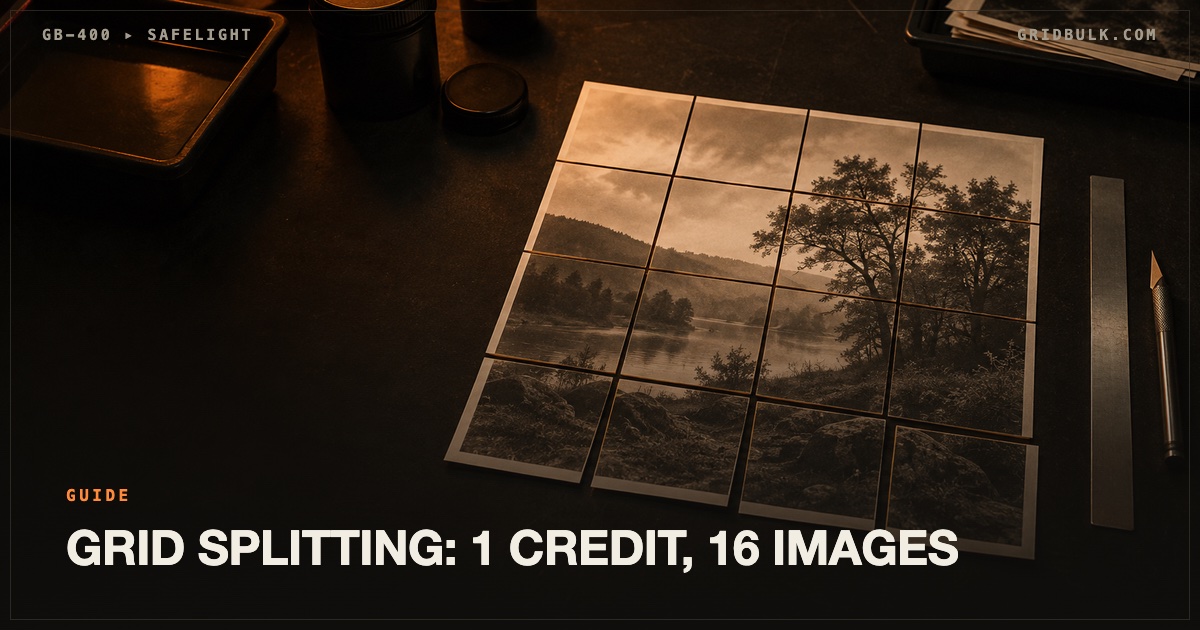
Grid splitting is a batch generation technique where an AI model renders a single high-resolution grid image containing all your outputs, and the platform automatically cuts it into individual, ready-to-use images. One generation — one credit — returns up to 16 images.
It's the core mechanic behind GridBulk, and it changes the economics of bulk image work. This post explains exactly how it works and when it beats generating images one by one.
What Is Grid Splitting?
Instead of asking a model for 16 separate images, you ask for one image arranged as a 4×4 grid. Each cell of the grid is one complete picture — rendered together in a single pass, at high resolution, with consistent lighting and style across the set.
The platform then detects the grid geometry and splits the source image along cell boundaries. Every output is a full-quality standalone image, downloadable individually or as a ZIP.
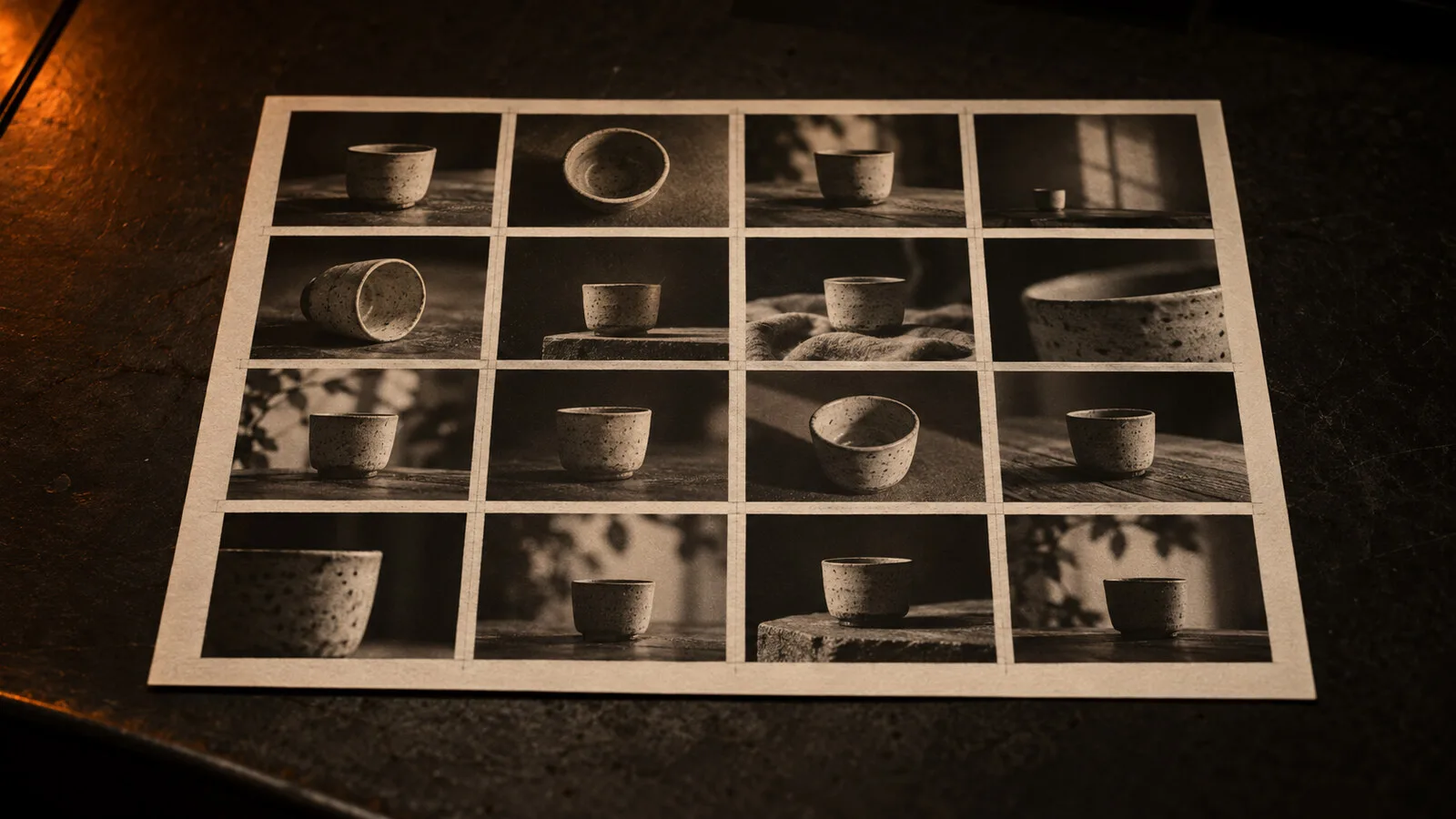
Why It Cuts Your Cost per Image to 1/16
Image-generation platforms bill per render. Render one image, pay one credit — whether you asked for a single picture or a composite.
Grid splitting uses that pricing structure to your advantage:
- 16 separate generations = 16 credits = cost per image 1.0 credit
- One 4×4 grid generation = 1 credit = cost per image 1/16 credit
At 500 images a month, that's 500 credits versus 31–32 credits. On GridBulk's Basic plan ($19/month, 2,000 credits), a 4×4 batch works out to under one cent per image.
Pixel-Perfect Splits: How the Cutting Works
A grid render is only as useful as its split. GridBulk's splitting pipeline:
- Reads the layout you chose (1×1 through 4×4) and the aspect ratio
- Locates the exact cell boundaries in the rendered source
- Cuts along those boundaries without resampling, preserving full resolution per cell
- Exports each cell as a standalone image, plus an optional ZIP of the full batch
Because the split is geometric — not AI-traced — it introduces no artifacts and no extra inference cost.
Grid Splitting vs Generating One by One
| One-by-one | Grid splitting (4×4) | |
|---|---|---|
| Credits for 16 images | 16 | 1 |
| Cost per image | 1.0 | 1/16 |
| Style consistency | Varies between runs | One render pass, consistent |
| Per-image prompts | Full control | Full control (one prompt per cell) |
| Concurrency limits | Hits limits fast | One job |
| Best for | Final hero images | Exploration, variants, bulk assets |
The one trade-off: all 16 images share a single render pass, so if you need each image generated at different settings, batch them by setting.
When to Use Grid Splitting
- Ad creative A/B testing — 16 concepts in one credit, pick the winners
- Social media content matrices — one theme, many executions
- Product mockups in bulk — same product, varied scenes or angles
- Style and mood boards — one direction, 16 interpretations
- Concept boards — explore a visual direction before committing budget
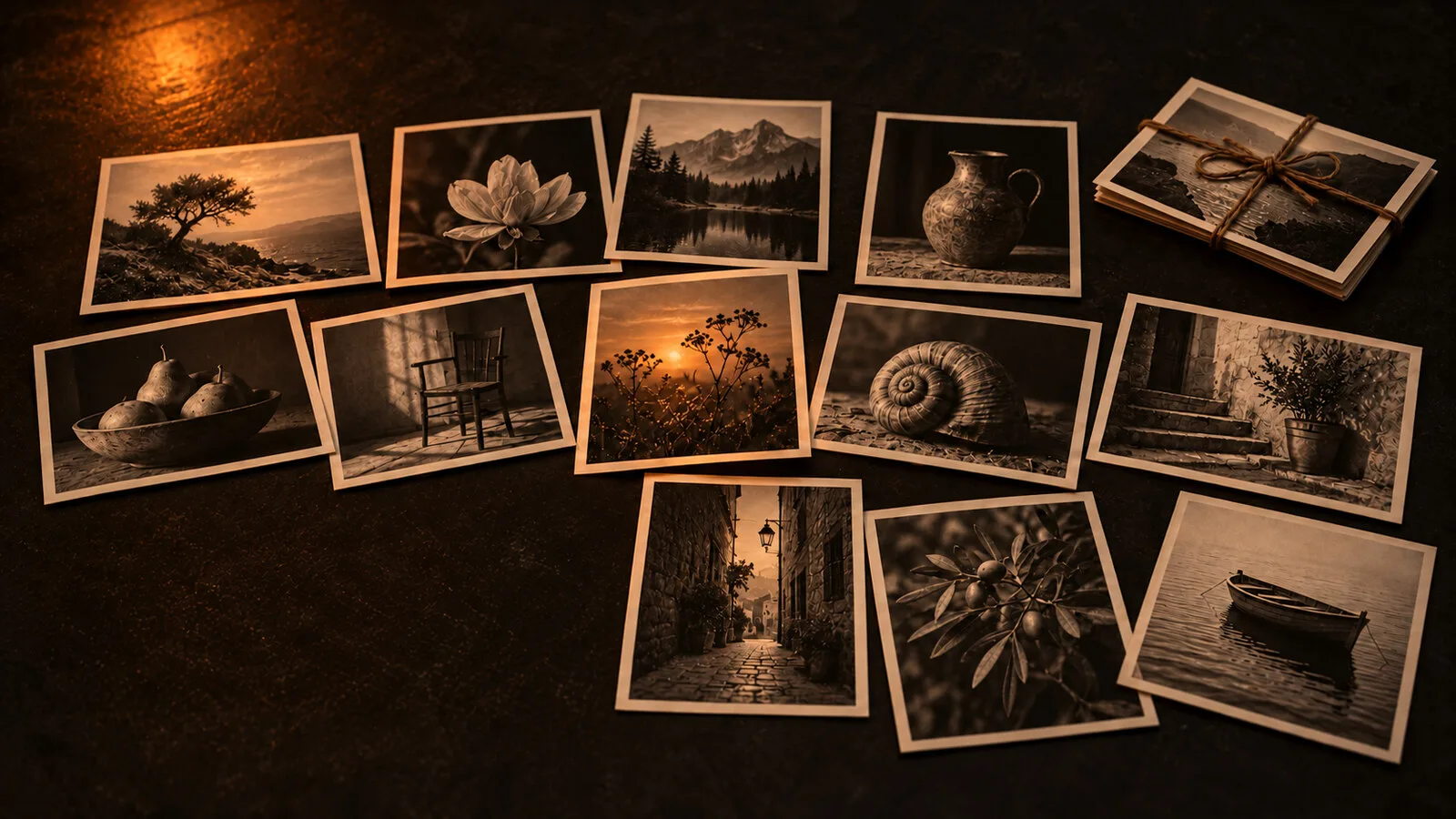
For production use, the batch generation API exposes the same grid-and-split pipeline programmatically, with sync and async endpoints.
FAQ
Does grid splitting reduce image quality?
No. The grid is rendered at high resolution, and the split is a lossless geometric crop — each output image keeps the full resolution of its cell.
Can each cell have a different prompt?
Yes. In grid compose mode every cell accepts its own prompt, so one batch can contain 16 completely different subjects.
What grid sizes are supported?
From 1×1 (a single image) to 4×4 (16 images), with configurable aspect ratio.
How is it billed?
One credit per generation, regardless of grid size. The first generation is free — see pricing.